Welcome to Zapa Client Portals
Zapa Client Portals is a secure document management and collaboration platform designed for professionals who need to share files, collect signatures, and collaborate with clients securely.
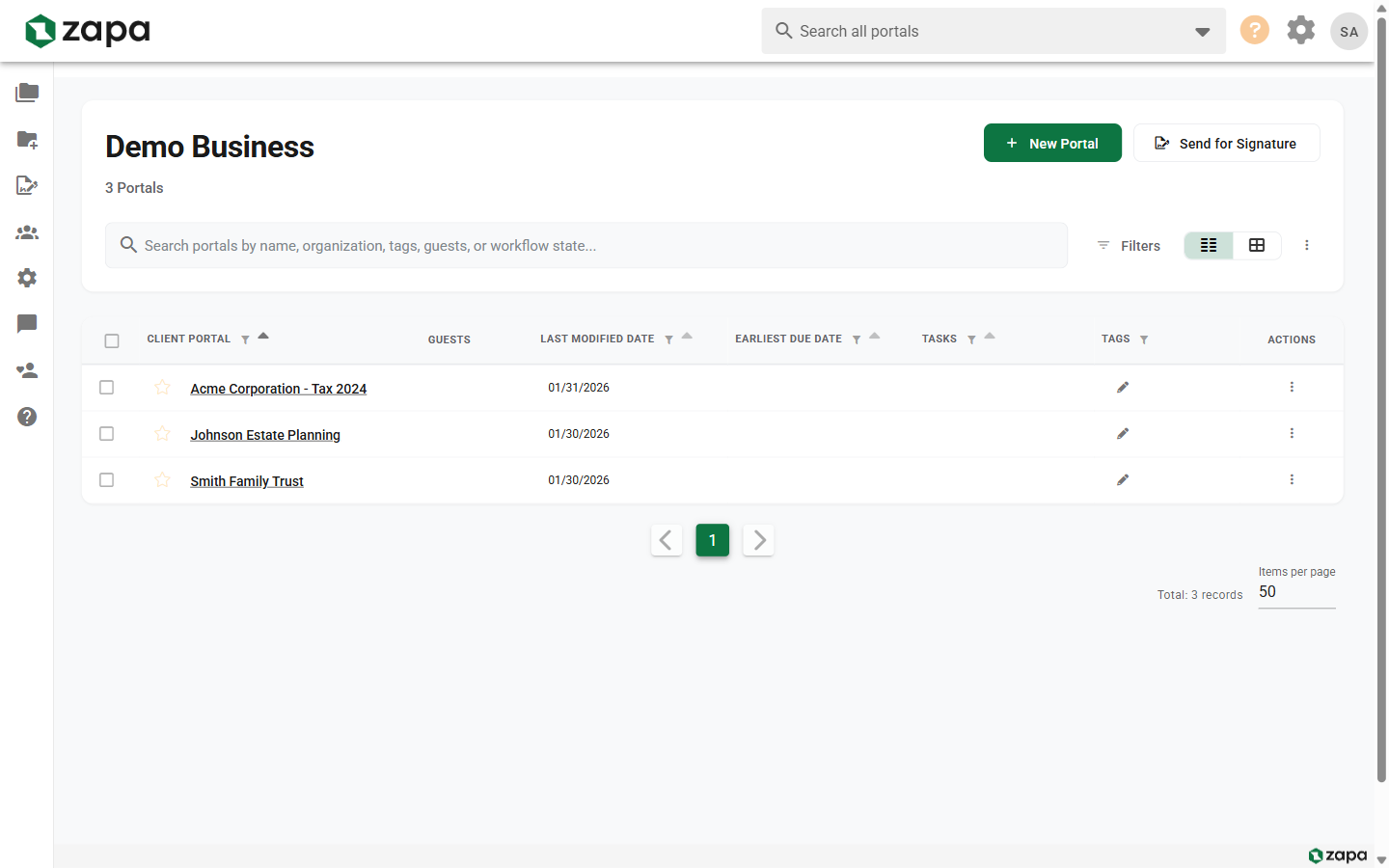
What You Can Do
Secure File Sharing
Create dedicated portals for each client where you can securely upload, share, and manage documents. All files are encrypted and accessible only to authorized users.
Electronic Signatures
Send documents for signature to multiple recipients with guided signing workflows. Track signature status in real-time and receive notifications when documents are signed.
Real-Time Collaboration
Collaborate with clients through video chat directly within portals. Add comments to files, assign tasks, and track progress through customizable workflow states.
Team Management
Invite team members, manage permissions, and maintain visibility across all client portals. Control who can access what with granular permission settings.
Getting Started
New to Zapa Client Portals? Start here:
- Sign In - Learn how to access your account
- Set Up MFA - Secure your account with multi-factor authentication
- Create Your First Portal - Set up a client portal and start sharing files
Were you invited to a portal as a client? See the Guest Quickstart.
Subscription Tiers
Zapa Client Portals offers three subscription tiers to match your needs:
| Feature | Professional | Large Firm | Enterprise |
|---|---|---|---|
| Unlimited Users | ✓ | ✓ | ✓ |
| Unlimited E-Signatures | ✓ | ✓ | ✓ |
| Custom Branding | - | ✓ | ✓ |
| Video Chat | - | ✓ | ✓ |
| Portal Templates | - | ✓ | ✓ |
| Custom Workflows | - | ✓ | ✓ |
| SSO Integration | - | - | ✓ |
| API Access | - | - | ✓ |
For a complete feature comparison, see Feature Comparison.
Need Help?
- Browse the documentation using the sidebar or the search box
- See Troubleshooting & FAQ for quick answers to common issues
- Contact support through the app's Support page
- Check the Admin Guide for organization settings